Connect using Session Code (beta)
Step 1
Open ISL Light for Web (beta) and type in your username and password, and click the "Log In" button.
Step 2
Click the "Start New Session" button. The session code will be generated.
Step 3
Click "Invite" button to open session invitation.
Step 4
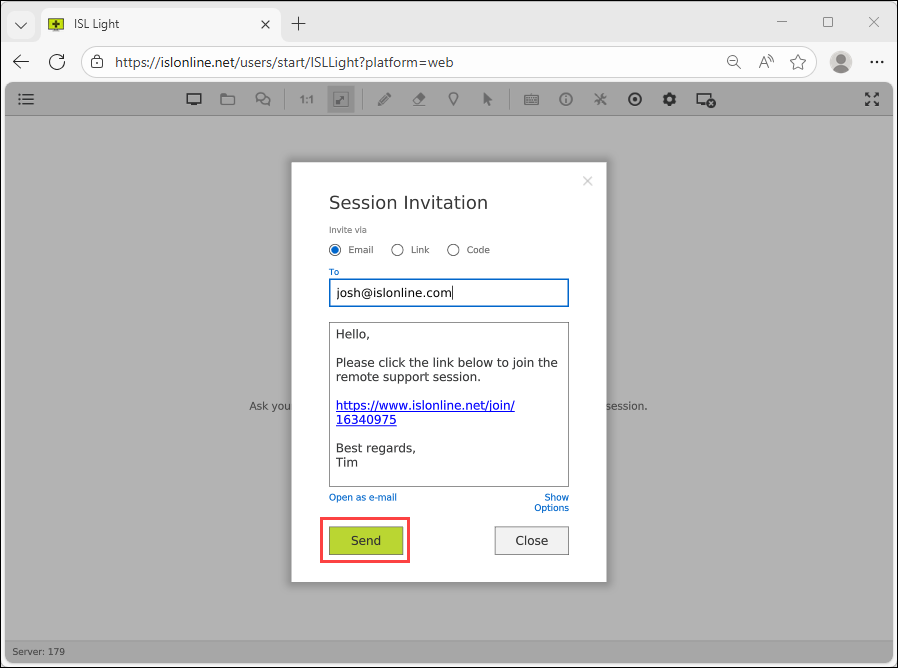
Type customers email and click "Send" button. Once the customer runs the "email invitation" link on his computer you will be connected.
Step 5
You are now connected and can control the remote computer.

Was this article helpful?